CRUD Support for Virtual Tables
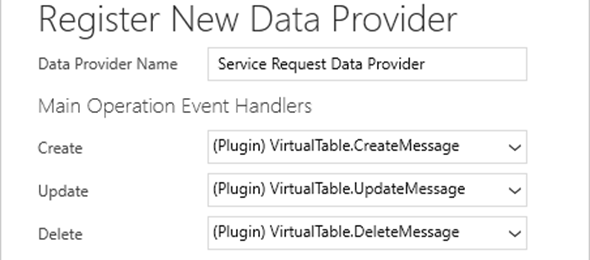
It seems like this was only a few days ago, but based on the sample that was published by Microsoft it’s been almost 2 weeks since Microsoft released CRUD support on Virtual tables.

It seems like this was only a few days ago, but based on the sample that was published by Microsoft it’s been almost 2 weeks since Microsoft released CRUD support on Virtual tables.
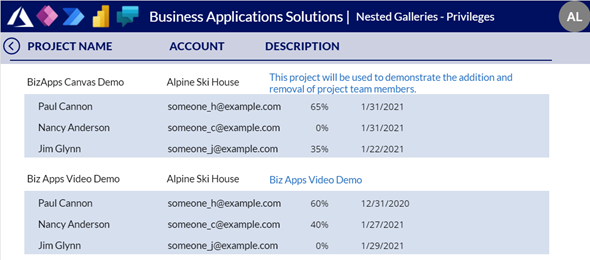
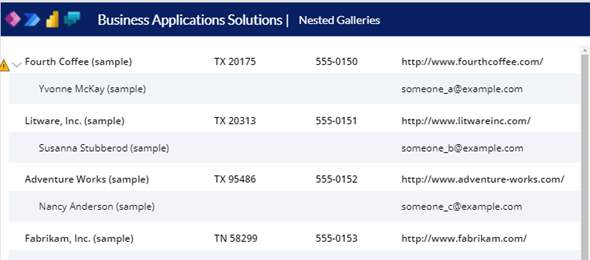
In a recent implementation I was working on a Canvas app that was supposed to display records to the users in a Nested Gallery. The users that would be accessing the gallery would always have permission to see the parent gallery, but not everyone had permissions to view the child gallery.
With everything that is going on around ALM and CI/CD and how to implement an automated deployment process with Azure Dev Ops of Github actions, there are still many organizations that have a lot of work that needs to be done before they can turn the switch over.
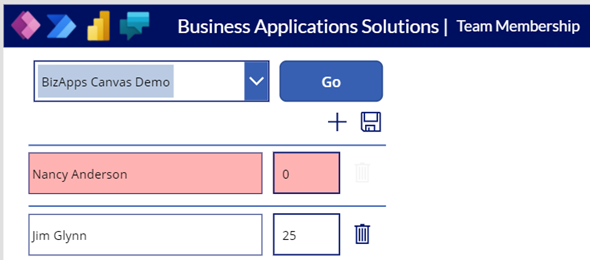
As always, I try to bring some real world scenarios that I was required to implement and modify the logic a little bit. In today’s app we will be creating a project record and adding and removing membership to the project while adding custom logic to adhere to special circumstances. You can do this of course with a model-driven app, but the main requirement was to make sure that the percentages of ownership on the Project is always 100%.
A few days, on January 27th, Microsoft release the documentation for the 2021 release wave 1 plan. As there are hundreds of doc pages containing the features that will be released between April and September 2021. You will be able to get access to some of these features starting the beginning of February (in preview mode), and then it will be rolled out to the different regions in April.
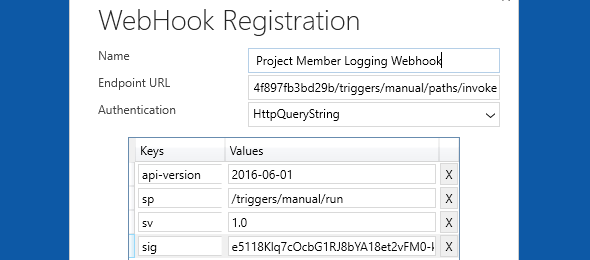
In one of our recent requirements, we had to log changes to certain fields in a few different entities. Since we needed the value of the field before and after the change, the logical option was to use plugins and adding a pre-image step to it in order to save that data.
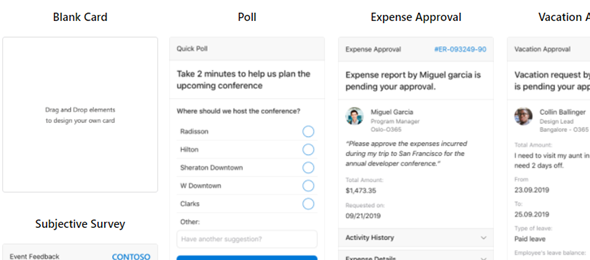
To start the year, I would like to review Adaptive Cards, where last summer I had a Power Storm session with a couple of my fellow MVPs, Alex Shlega and Linn Zaw Win to get a little more familiarized with using Adaptive Cards, adding them to Cloud flows and Microsoft Teams, and sending adaptive cards via Outlook. About 5 months passed since then, and now I had the need to build something for a project that I am working on.
In my last blog post of this year, I decided to write about creating Nested Galleries in Canvas Apps. There are probably various blogs and videos of this already, but I thought of simplifying this, as it seems to be a common request.
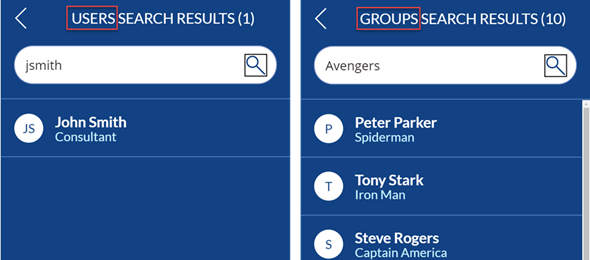
Recently, while working on some requirements, I noticed that one of the solutions that the company implemented was to replicate the Azure Groups and Members from AD into their Dataverse environment. This seemed to me to be unnecessary, but sometimes due to security restrictions, this might be the only way.
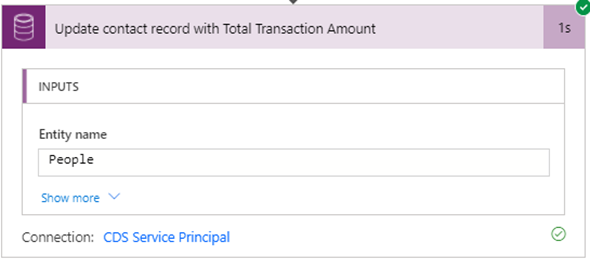
As Microsoft is still making changes to connection references, I have been trying to get it to work with a service principal account, and account a few interesting points that are important for anyone who will be developing and deploying Power Automate flows using the Service Principal Connection reference.