Working with the Dataverse MCP Server in Copilot Studio

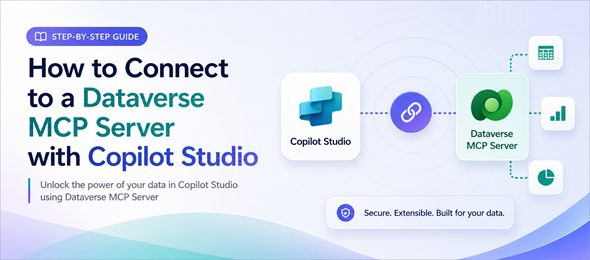
Using and Interacting with the Dataverse MCP Server in Copilot Studio can be easily done using the step-by-step instructions in this article. This article details how to interact with the Dataverse MCP using Copilot Studio, however other tools such as Github Copilot and Claude can be used to interact with this MCP server as well.

Dataverse Actions, Functions and Flows in Power Apps Code Apps

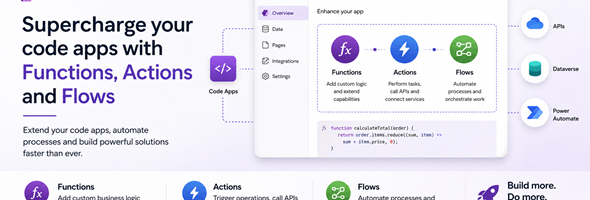
In a recent article I wrote about creating a code app and using a Dataverse table to populate data into the code app. In this post, I will go over adding actions, functions and cloud flows and calling them from your code app.

Generative Pages using AI Code Generation Tools

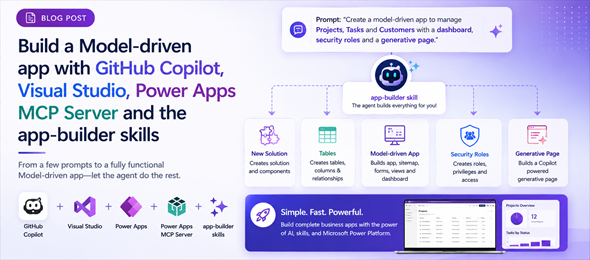
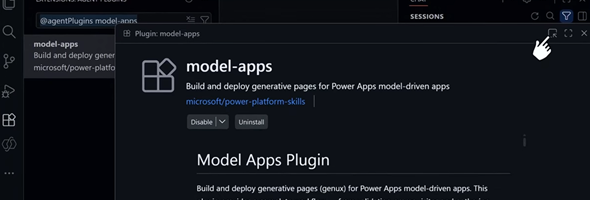
In addition to the UI experience for creating Generative Pages for Model-driven apps in the Power Apps maker portal, you can now create these pages using AI code generation tools as an alternative development approach. With this approach, you can integrate advanced generation capabilities directly into your development workflow.

Server Logic in Power Pages is now in GA

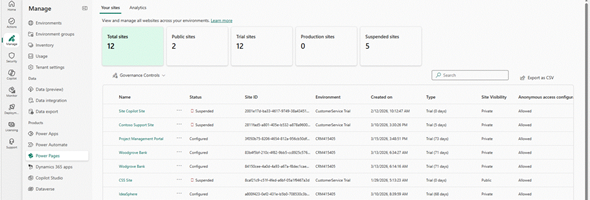
In October 2025, Microsoft introduced the preview of Server logic in Power Pages, which allowed the execution of business logic securely on the server to build more connected web experiences. Yesterday, April 1, 2026, this feature was announced to be GA.

Creating your first Code App

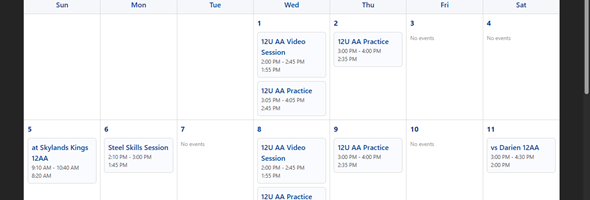
I am a little bit late in the game, but finally found some time to create my first code app. In this post I will create a simple page with a calendar which shows events from a custom events table. I created a similar generative page previously and now will do the same as a code app.

New PCF Metadata virtual controls

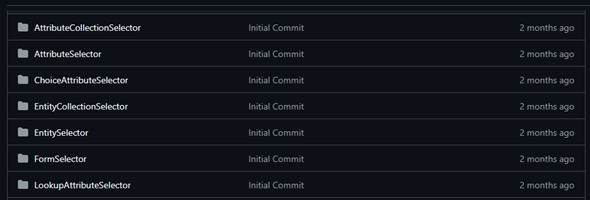
Recently, while working on a project that needed to get metadata information for different entities, I decided to build a set of PCF controls that would provide me the functionality that I was looking for. There was already a set of controls available, but these were created a while back before Fluent UI virtual controls were really a thing, and with the capabilities of Github Copilot in VS Code, building these controls made the process much simpler.

The new developer experience for Microsoft Power Apps

This week at Ignite, Microsoft introduced the next generation of Microsoft Power Apps. This means the introduction of a new experience that makes building apps as intuitive as explaining an idea, and a seamless integration between apps and agents. It also allows the ability to host and manage all of the apps in a single place.

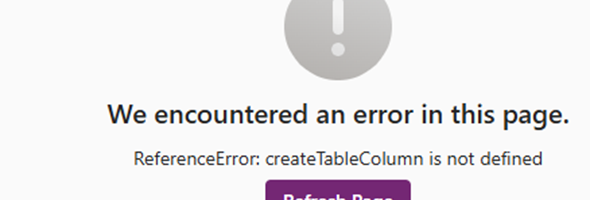
Error Messages in Generative Pages

Generative pages are an AI-driven feature in app development, particularly within model-driven apps. They allow users to create pages by simply describing their needs in natural language, which the system then translates into structured layouts and code

Using Power Apps Desktop App for Government Tenants

If you have worked throughout your career in multiple industries including government and are trying to build a Power App for your governments clients that should run on the mobile or desktop client, you might have encountered some connection issues and errors that will not allow you to connect.

PCF Control in Side Pane in Model Driven Apps

Side Panes in Model Driven Apps have been around for some time now, and we have used them for showing Entity Lists, Entity Records and web resources. In addition to the standard types that we can display in the side panes we can also display custom pages and PCF controls