Working with the Dataverse MCP Server in Copilot Studio
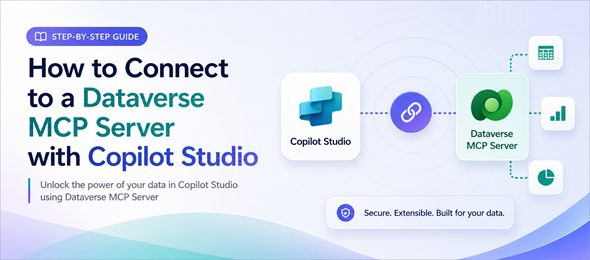
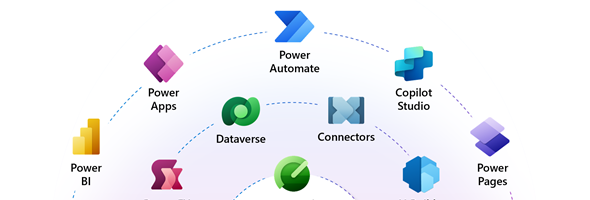
Using and Interacting with the Dataverse MCP Server in Copilot Studio can be easily done using the step-by-step instructions in this article. This article details how to interact with the Dataverse MCP using Copilot Studio, however other tools such as Github Copilot and Claude can be used to interact with this MCP server as well.
Creating your first Code App

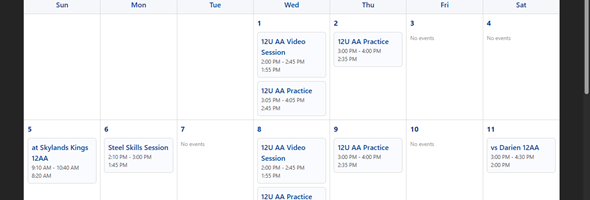
I am a little bit late in the game, but finally found some time to create my first code app. In this post I will create a simple page with a calendar which shows events from a custom events table. I created a similar generative page previously and now will do the same as a code app.

Data exploration agent in Model-driven apps

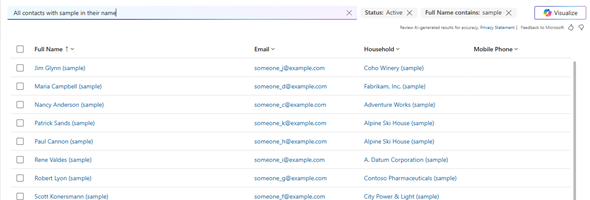
On February 18th, 2025 Microsoft announced the public preview of the data exploration agent for Model driven apps. This new agent provides the ability to find records using complex filters using Copilot and Natural language to describe what data you are looking for.

Smart Paste in Model Driven Apps

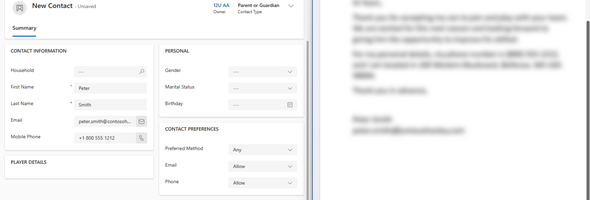
There are many times that we want to copy contents from documents that we are working on into our Dataverse application. Normally what we would be doing is copy a single element at a time from our document and paste it into our app.

Blocking unmanaged customizations is now GA

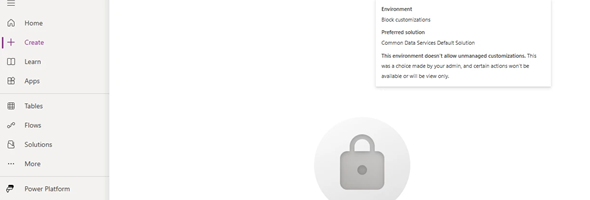
On May 7th, 2024 Microsoft announced the General Availability of blocking unmanaged customizations in your environments. This new feature will prevent users from making unmanaged changes in the test and production environments as well as restrict the import of unmanaged solutions into production.

No more quotes for Power Fx column names

Until recently, there would be a certain subset of functions were you would need to enter the names of the column within double quotes. Starting with the latest version of Canvas Studio (version 3.24042), there will be a syntax change as to how the column names will be displayed within function arguments.