Power Apps Custom UI Widgets for M365 Copilot

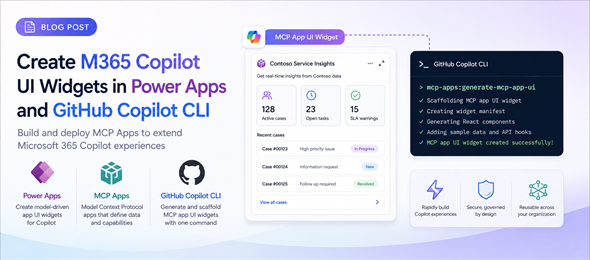
In this post, I will demonstrate a new concept called MCP Apps and show how to build an Interactive Widget in Power Apps and use it in Copilot. This is game changing as Copilot will no longer be limited to only text based responses, but can provide you the response as a UI component.

Power Platform CoE transitioning to PPAC

The Power Platform Center of Excellence Started Kit has historically been a comprehensive reference implementation that demonstrates how to build sophisticated governance, monitoring, and adoption capabilities using Power Platform’s native low-code tools. This collection of components and solutions was there to help develop a strategy for adopting and supporting Power Platform while showcasing what’s possible with the platform’s out-of-the-box features.

Working with the Dataverse MCP Server in Copilot Studio

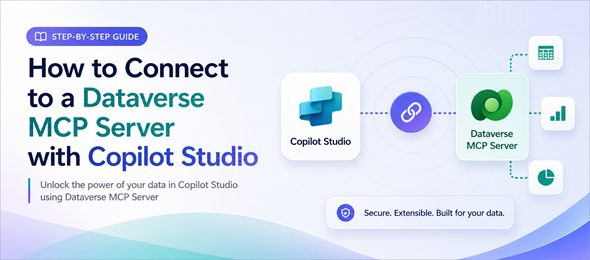
Using and Interacting with the Dataverse MCP Server in Copilot Studio can be easily done using the step-by-step instructions in this article. This article details how to interact with the Dataverse MCP using Copilot Studio, however other tools such as Github Copilot and Claude can be used to interact with this MCP server as well.

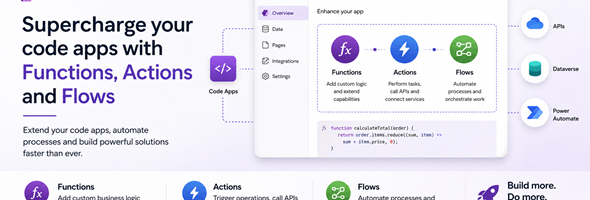
Dataverse Actions, Functions and Flows in Power Apps Code Apps

In a recent article I wrote about creating a code app and using a Dataverse table to populate data into the code app. In this post, I will go over adding actions, functions and cloud flows and calling them from your code app.

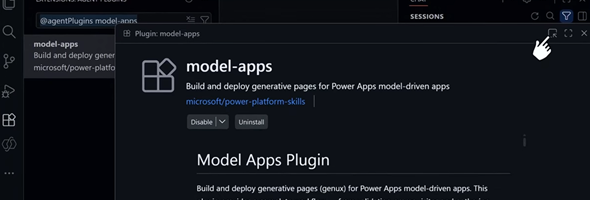
Generative Pages using AI Code Generation Tools

In addition to the UI experience for creating Generative Pages for Model-driven apps in the Power Apps maker portal, you can now create these pages using AI code generation tools as an alternative development approach. With this approach, you can integrate advanced generation capabilities directly into your development workflow.

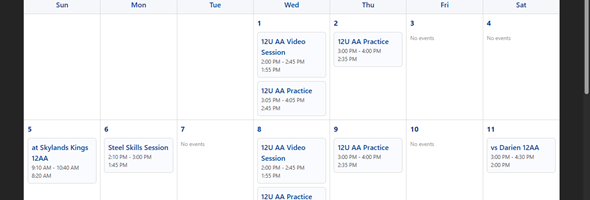
Creating your first Code App

I am a little bit late in the game, but finally found some time to create my first code app. In this post I will create a simple page with a calendar which shows events from a custom events table. I created a similar generative page previously and now will do the same as a code app.

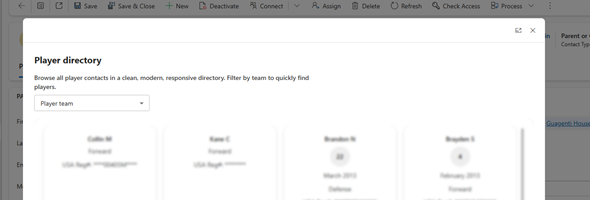
Displaying Generative Pages inline or in modal dialog

For a few years now, the Xrm.Navigation.navigateTo command has been available to allow us to display forms, views, custom pages or web resources inline or as a dialog in Model-driven apps. Now, generative pages are added to that list.

New PCF Metadata virtual controls

Recently, while working on a project that needed to get metadata information for different entities, I decided to build a set of PCF controls that would provide me the functionality that I was looking for. There was already a set of controls available, but these were created a while back before Fluent UI virtual controls were really a thing, and with the capabilities of Github Copilot in VS Code, building these controls made the process much simpler.

The new developer experience for Microsoft Power Apps

This week at Ignite, Microsoft introduced the next generation of Microsoft Power Apps. This means the introduction of a new experience that makes building apps as intuitive as explaining an idea, and a seamless integration between apps and agents. It also allows the ability to host and manage all of the apps in a single place.