

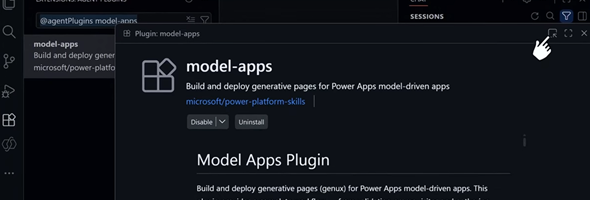
In addition to the UI experience for creating Generative Pages for Model-driven apps in the Power Apps maker portal, you can now create these pages using AI code generation tools as an alternative development approach. With this approach, you can integrate advanced generation capabilities directly into your development workflow.
With the code generation tools, you can now:
- Create new Power Apps generative pages using plain language requirements
- Update existing Power Apps generative pages by requesting changes or enhancing the requirements via the AI tool
- Deploy your new or existing generative page to your Dataverse environment using PAC CLI commands
- Work locally with your preferred IDE and dev tools
Until now, you could only create generative pages using the Power Apps Maker Portal in the US region, but with this new feature of creating Generative Pages using AI code Generation tools, this can be done in all public clouds.
To use the generative pages, follow the directions on the Microsoft Learn article: Create generative pages with AI code generation tools. There are a few prerequisite steps that need to be accomplished prior to starting to prompt your gen page, but once installed, this is an easy process to both create and deploy your pages.
This link opens a LinkedIn post to quick video demo from Microsoft’s Scott Durow showing the process of how this is done,