

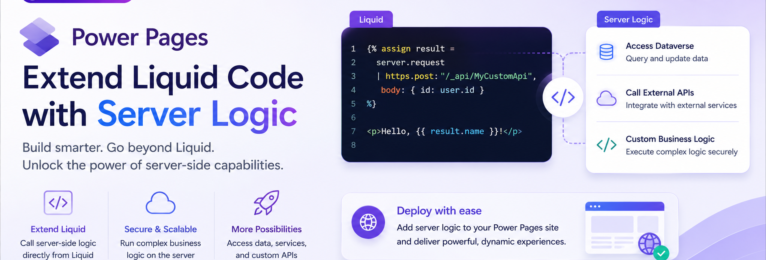
Until recently, if you want to invoke Server Logic from within Power Pages, this would have to be done on the client side using http requests and manipulating the data on the client side or by a limited set of predefined set of platform-provided objects. Yesterday, August 11, Microsoft announced the ability to invoke Server Logic directly from within Power Pages.
With this new capability of invoking Server Logic directly from within Liquid templates, we are now able to extend liquid code with our own custom server-backed capabilities. This new capability remove the constraints of relying only on built-in liquid objects and allows us to keep the business logic security running on the server.
The code block below shows how to invoke a server logic function from a page or web template
{% serverlogic name: 'customer-summary', operation: 'getSummary', output: result %}

{% if result.success %}
  <p>{{ result.data.message | escape }}</p>
  <p>Count: {{ result.data.count }}</p>
{% else %}
  <p>The customer summary couldn't be retrieved.</p>
{% endif %}
In the example above, we use the following details as part of our serverlogic request:
- name: ‘customer-summary’ – the name of the server logic record
- operation: ‘getSummary’ – the JavaScript function that needs to be invoked
- output: result – the liquid variable containing the operation result
- result.data – contains the parsed JSON returned by getSummary
In addition you can pass input parameters to the server logic by using the optional input parameter that will pass a JSON data string. The following code shows the example of this.
{% assign inputData = '{"category":"active","maximumResults":5}' %}

{% serverlogic name: 'customer-summary', operation: 'getSummary', input: inputData, output: result %}

{% if result.success %}
  <p>Category: {{ result.data.category | escape }}</p>
  <p>Maximum results: {{ result.data.maximumResults }}</p>
{% endif %}
For more details, read the Microsoft Announcement and the Author Server Logic section in Microsoft Learn.