AAD Users filtering limitations and workarounds
The AAD Users virtual table that was added to Dataverse has been a lifesaver for a lot of applications, especially when using Power Apps licensing as they provide the full subset of Active Directory users. When using Power Apps licensing, not all users are automatically synched to the Users table, so that is a great addition.
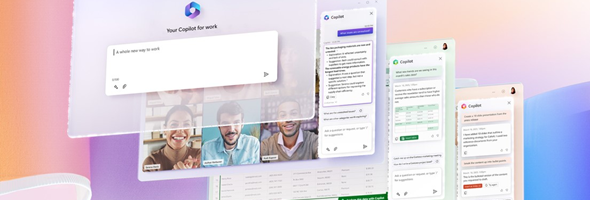

Copilot in Microsoft Apps announced

Yesterday 3/16, Microsoft announced copilot will become available in both Microsoft 365 products as well as the Power Platform. Copilot introduces a new way of enhanced working powered with AI. These AI capabilities are available in Word, Excel, PowerPoint, Outlook, Teams, Power Apps, Power Automate and Power Virtual Agents and will likely become available in other Microsoft products in the future. See the articles are links below for additional information.

Cards for Power Apps Enhancements

On March 8, Microsoft made an additional announcement that Cards for Power Apps can be sent automatically via flows using a new connector and an updated Teams connector. The cards authoring experience has also been improved making it easier to design cards that fit our business needs.

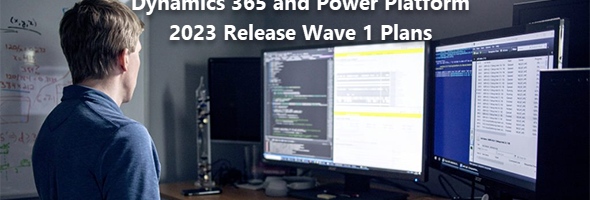
Microsoft Dynamics 365 and Power Platform 2023 Release Wave 1 Plans

Yesterday (January 25, 2023), Microsoft release their plans for Microsoft Dynamics 2023 Release Wave 1. These release plans are available in various formats and can be accessed on the Microsoft Learn site, the Microsoft Release Planner or can be downloaded as PDFs.

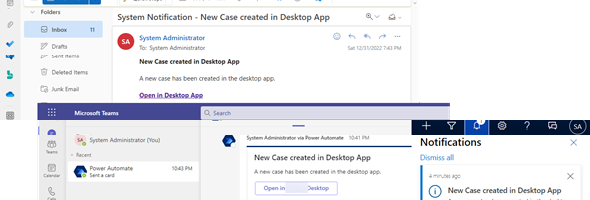
In-app notifications vs external notifications

In-app notifications have been a great addition to the Platform and highly usable by providing notifications to the end users within their Model-driven app, but not always will the user “notice” these and different ways of notifications can be used. There is nothing new is this post as far as …

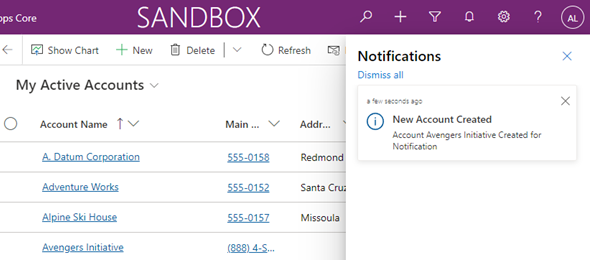
Power Platform 2021 Release Wave 2 Unified Interface Updates – In-App Notifications

n preparation for our upcoming NYC BizApps event on October 27, 2021, and the Power Platform 2021 Wave 2 release (weekend of October 23/24), I am writing a series of blog posts related to some of the most sought after updates. In this post we will review the new Notifications table and In-App Notifications.

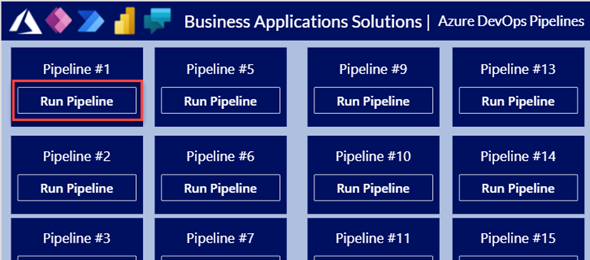
Calling an Azure Pipeline using a Cloud Flow or Canvas App

With everything that is going on around ALM and CI/CD and how to implement an automated deployment process with Azure Dev Ops of Github actions, there are still many organizations that have a lot of work that needs to be done before they can turn the switch over.

Adding Membership selections to Canvas Apps

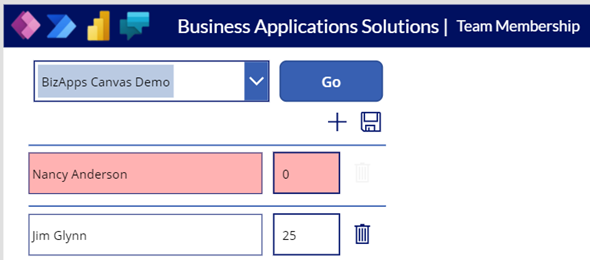
As always, I try to bring some real world scenarios that I was required to implement and modify the logic a little bit. In today’s app we will be creating a project record and adding and removing membership to the project while adding custom logic to adhere to special circumstances. You can do this of course with a model-driven app, but the main requirement was to make sure that the percentages of ownership on the Project is always 100%.

No-Code Solution for custom Change Log using Web Hooks and Cloud Flows

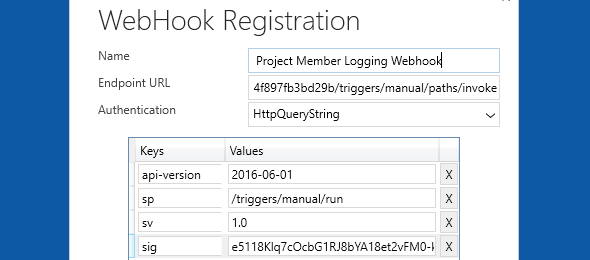
In one of our recent requirements, we had to log changes to certain fields in a few different entities. Since we needed the value of the field before and after the change, the logical option was to use plugins and adding a pre-image step to it in order to save that data.

Approval Process with Outlook Adaptive Cards

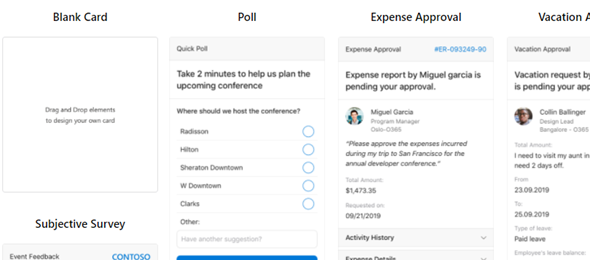
To start the year, I would like to review Adaptive Cards, where last summer I had a Power Storm session with a couple of my fellow MVPs, Alex Shlega and Linn Zaw Win to get a little more familiarized with using Adaptive Cards, adding them to Cloud flows and Microsoft Teams, and sending adaptive cards via Outlook. About 5 months passed since then, and now I had the need to build something for a project that I am working on.