No-Code Solution for custom Change Log using Web Hooks and Cloud Flows
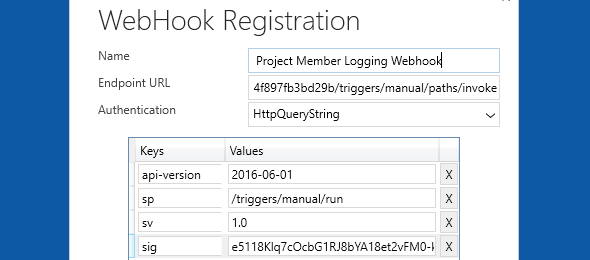
In one of our recent requirements, we had to log changes to certain fields in a few different entities. Since we needed the value of the field before and after the change, the logical option was to use plugins and adding a pre-image step to it in order to save that data.
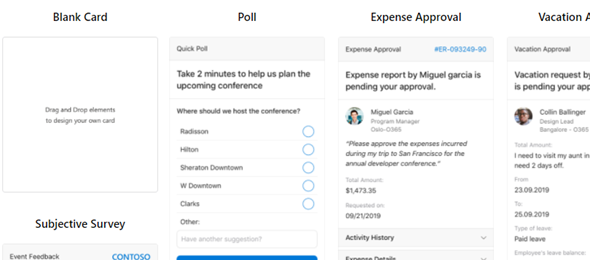
Approval Process with Outlook Adaptive Cards

To start the year, I would like to review Adaptive Cards, where last summer I had a Power Storm session with a couple of my fellow MVPs, Alex Shlega and Linn Zaw Win to get a little more familiarized with using Adaptive Cards, adding them to Cloud flows and Microsoft Teams, and sending adaptive cards via Outlook. About 5 months passed since then, and now I had the need to build something for a project that I am working on.

Service Principal Connection References and using Invoker’s Connection

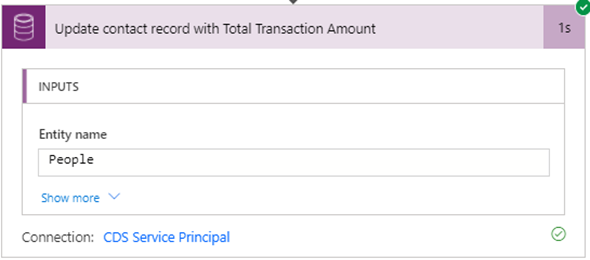
As Microsoft is still making changes to connection references, I have been trying to get it to work with a service principal account, and account a few interesting points that are important for anyone who will be developing and deploying Power Automate flows using the Service Principal Connection reference.

Deploy solutions across environments using Azure DevOps and Power Platform Build Tools

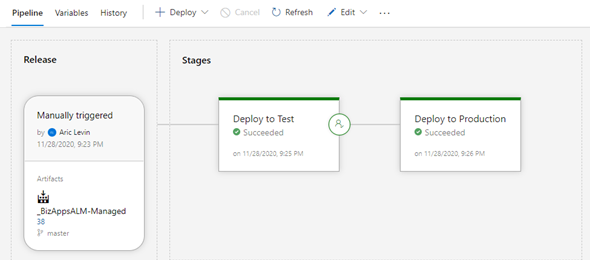
In this article, I review the required steps of building and deploying your Power Apps solution from your Development environment to your test and production environments. We will add a approval trigger from Test to Prod, Unpack the solution and publish your managed solution as an artifact so that it can be used to import to the higher environments.

Considerations of Embedding Canvas Apps in Model Driven forms – Revisited

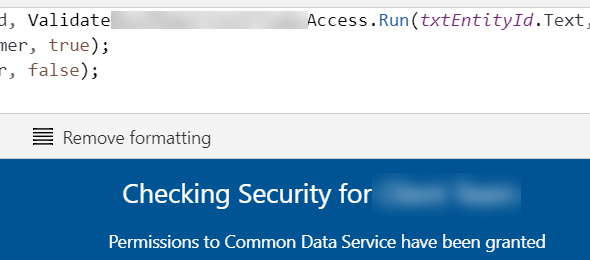
A few weeks ago, I wrote a blog post about embedding a Canvas App in a Model Driven form, and compared the options of whether, in my case I should have embedded the app using the Canvas App control, or as we implemented using an iframe on the form.

Common Data Service Terminology updates

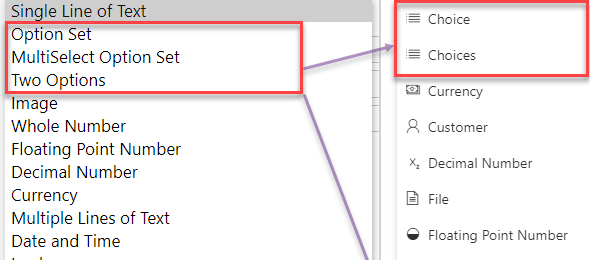
For those of us who have been using Microsoft Dynamics from the early days, the only names that we ever knew for the data schema elements has been entities, fields and attributes, records, and for the different fields types where we will be seeing the changes applied option sets, picklists and two option values.

Considerations for Embedding Canvas Apps in Model Driven forms

We have all seen different articles and posts that detail the steps of how to embed a Canvas App within a Model-Driven form by adding the Canvas App control to a field on the form, but sometimes that might not be enough for the requirements that we have in place.

How to start with Project Oakdale (MS Teams and Power Apps)

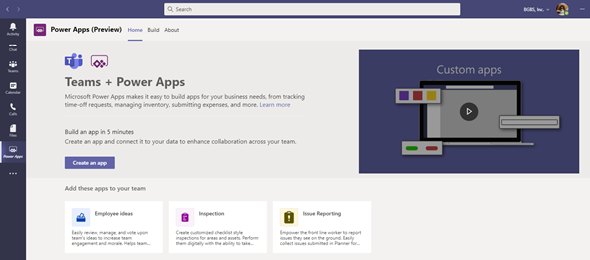
In this blog post I will review the recent announcement from Microsoft Ignite, where we saw first hand Project Oakdale, or Power Apps within Microsoft Teams. The post will show you how to enable Power Apps within your teams tenant, and how to start working on your first app.

Update Data in your CDS using Azure SQL Server, Azure Functions or Connectors from SQL Data

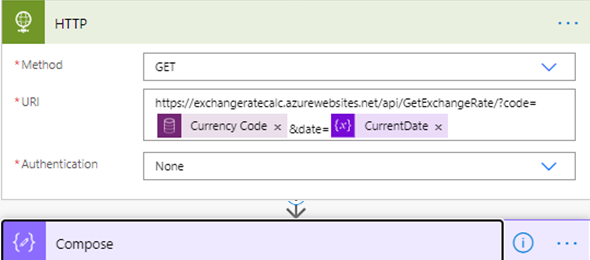
Recently, while working on a project that needed to update the Exchange rates in CDS, I was tasked at finding a solution that would be able to retrieve data from a SQL Server hosted on an Azure Virtual Machine. There were so many different approaches, and security was the main one, but I decided to do a deep dive and testing out how Power Automate will be able to accommodate these requests.