Functions in Microsoft Dataverse
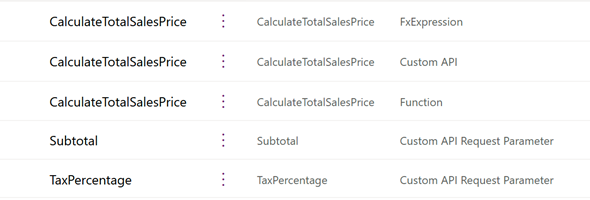
A few days ago Microsoft announced the creation and use of function in Microsoft Dataverse (currently in preview). Functions use Power Fx to execute a set of commands within Dataverse that run on the server-side.

A few days ago Microsoft announced the creation and use of function in Microsoft Dataverse (currently in preview). Functions use Power Fx to execute a set of commands within Dataverse that run on the server-side.
This has been a feature that has been requested for as long as I can remember using Microsoft Dynamics CRM and the Power Platform, and finally it is here.
In a recent project a needed to create a PCF control, to display a notification within the form. The MessageBar Fluent UI v9 component provided the functionality that we were looking for, so we decided to go ahead and take advantage of that. The PCF Builder extension for Visual Studio …
A few weeks ago Microsoft announced the availability of SQL Server Environment variables which will be able to support your Power Apps deployments as part of an ALM Process
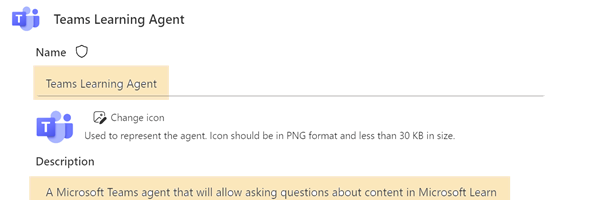
In this post, I will go over the steps of building a Copilot agent and publishing it to Microsoft Teams so that users can ask the agent questions directly from within Teams.
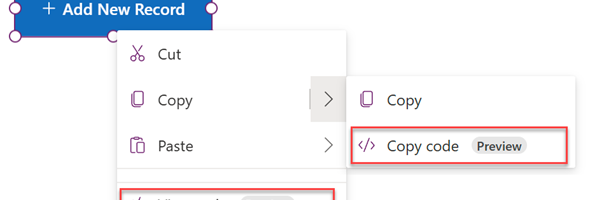
With the Microsoft announcement of Code view in Power Apps Studio, developers can not view and use the source code in YAML format and Power FX format. This allows selection of particular controls and see the YAML code that makes up that control
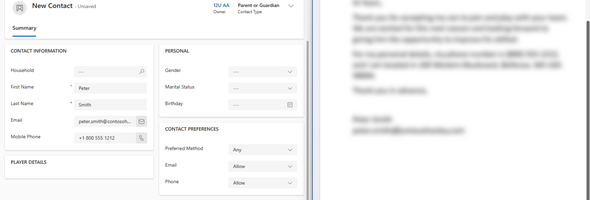
There are many times that we want to copy contents from documents that we are working on into our Dataverse application. Normally what we would be doing is copy a single element at a time from our document and paste it into our app.
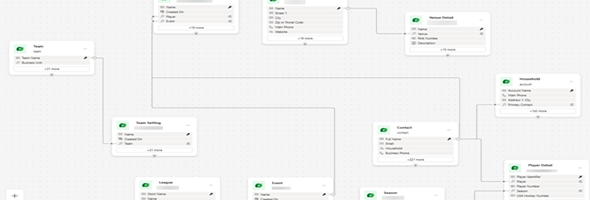
For IT pros that have worked with database modelling for much of their career, the latest feature available in the Maker Portal, Data Workspaces will be a great tool to start working with.
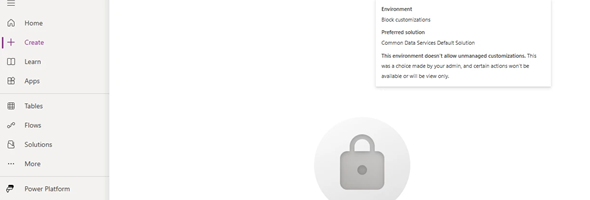
On May 7th, 2024 Microsoft announced the General Availability of blocking unmanaged customizations in your environments. This new feature will prevent users from making unmanaged changes in the test and production environments as well as restrict the import of unmanaged solutions into production.
Until recently, there would be a certain subset of functions were you would need to enter the names of the column within double quotes. Starting with the latest version of Canvas Studio (version 3.24042), there will be a syntax change as to how the column names will be displayed within function arguments.