Showing page status of multi-page forms in Power Apps Portals
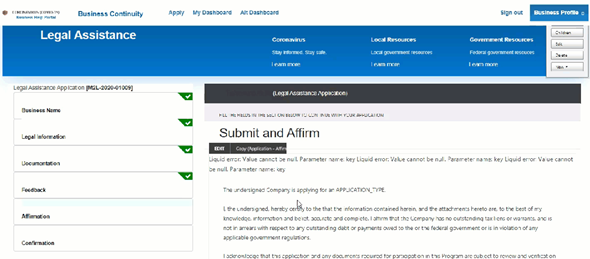
Creating navigation in a Power Apps portal application is straight forward, and can easily be done using Web Link Sets, but how about showing to the user where they are in the process and modifying the style of each element once the user has finished entering the data for that page. We have done this a few times and this involves the combination of liquid and JavaScript code on the different pages.
New Features in Form Processing for AI Builder

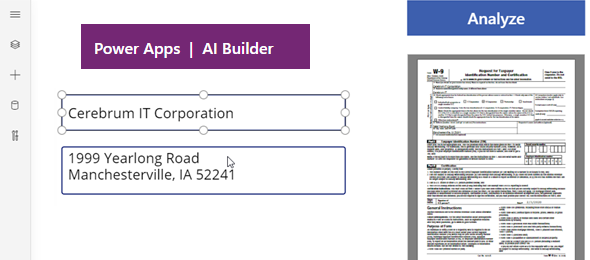
Over the past year, I played here and there with AI Builder, and particularly form processing, but have found that it was somewhat cumbersome for some of the forms that I wanted to build, especially when working a lot in the government space. Yesterday, May 4th, Microsoft announced some new changes to the AI Builder Form processing that allows recognition of undetected fields. I decided to test this out, and in order to implement this, used the IRS W-9 form, which is not such as easy form to implement.

UCI Grid Filtering and Search improvements

Over the past couple of years, since the release of Unified interface, one of the biggest pain points for most customer was that features that are available in the web client are not available in the new Unified Interface. There were a lot of improvements in the Unified Interface with the responsive client, custom controls and more, but when you are used to working in a certain way, taking away features is sometimes hard to get used to.

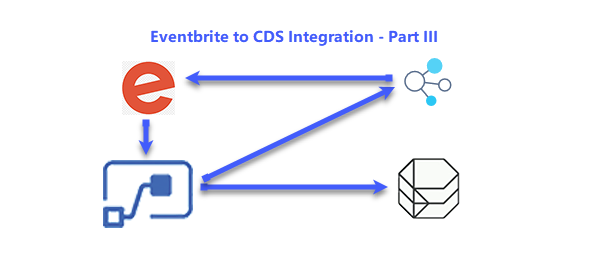
Eventbrite to CDS Integration – Part 3 (Custom Connector)

In the third post will create our custom connector in order to connect with Eventbrite. The custom connector will allow us to call the Eventbrite api to retrieve the required information about the Events and the Attendees that have not been provided by the Webhook.

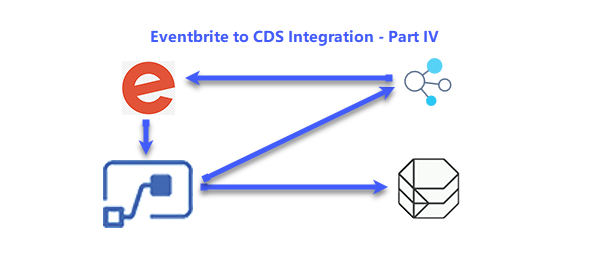
Eventbrite to CDS Integration – Part 4 (Event Flow)

In this fourth post we will update the original flow that we created for when a new event is created in Eventbrite. The flow should have a couple of steps as the baseline. The steps include When a HTTP request is received, and the Initialize Variable action.

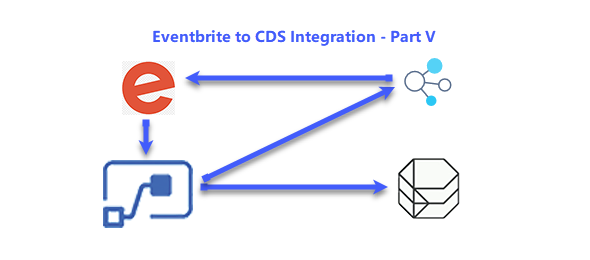
Eventbrite to CDS Integration – Part 5 (Attendee Flow)

In this fifth post we will update the original flow that we created for when a new attendee is registered in Eventbrite. Your flow should have a couple of steps as the baseline. The steps include When a HTTP request is received, and the Initialize Variable action.

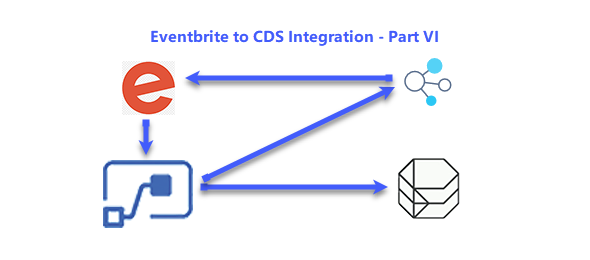
Eventbrite to CDS Integration – Part 6 (Testing)

In the final post, we will quickly view the results of this entire process. We will create an Event in Eventbrite, and add an attendee to this event, and then verify that the Event has been created in CDS as well as Attendee added to the Contacts entity and linked to that Event.

Eventbrite to CDS Integration – Part 1

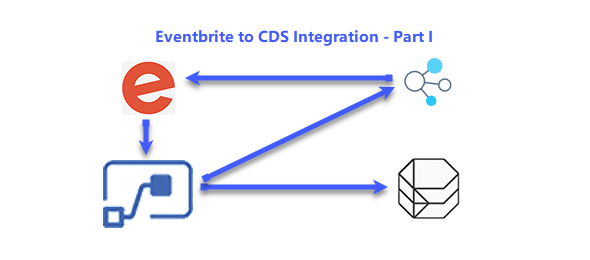
In this series of posts, I will demonstrate how to integrate between Eventbrite and the Power Platform by creating a Model Driven App to store event information, Creation of Microsoft Flow to execute when a new event is created or a new order is added to an event in Eventbrite, and the creation of a Custom Connector to retrieve the event details from Eventbrite.

Eventbrite to CDS Integration – Part 2 (Eventbrite Settings)

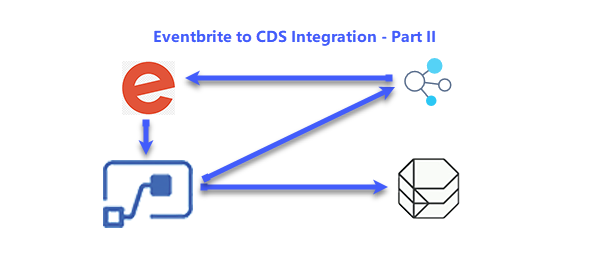
In the second post will concentrate on the configuration of Eventbrite. We assume that you have already an Eventbrite account and you can create your own events. If you don’t have an Eventbrite account yet, this is the time to create one. You only need an email address and to set a password in order to create an Eventbrite account. Eventbrite is available as a free or paid service. Everything in this series of posts was done using the free Eventbrite account.

Format Text by using PCF Control and Regular Expressions

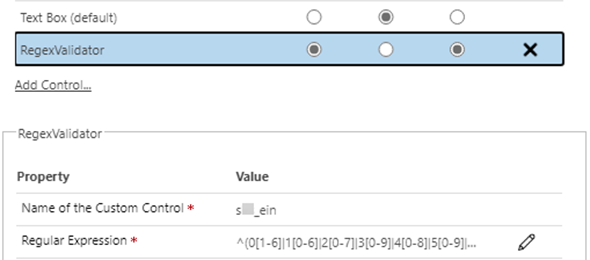
On one of our recent projects, we had a requirement to only allow valid Tax Id Numbers on that field. There are various ways of implementing this, but as the direction seems to be to shift the development of these kind of features to custom controls, we decided to implement it as a PCF custom control.