Calling an Azure Pipeline using a Cloud Flow or Canvas App
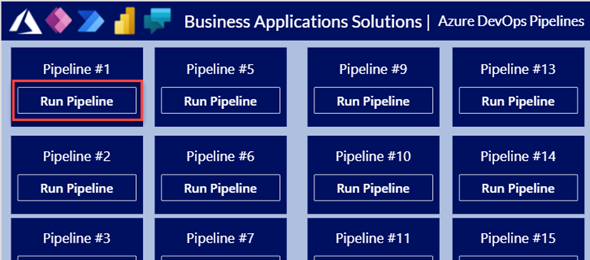
With everything that is going on around ALM and CI/CD and how to implement an automated deployment process with Azure Dev Ops of Github actions, there are still many organizations that have a lot of work that needs to be done before they can turn the switch over.
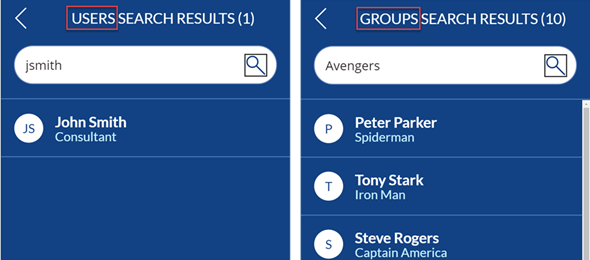
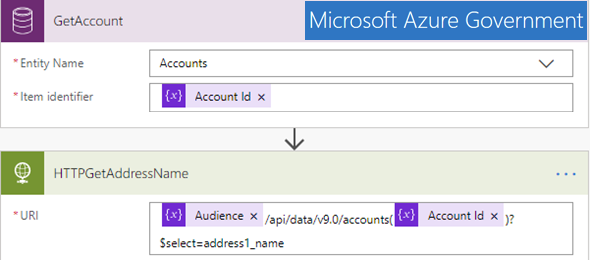
Calling MS Graph API from Canvas Apps by using Power Automate and HTTP Request

Recently, while working on some requirements, I noticed that one of the solutions that the company implemented was to replicate the Azure Groups and Members from AD into their Dataverse environment. This seemed to me to be unnecessary, but sometimes due to security restrictions, this might be the only way.

Deploy solutions across environments using Azure DevOps and Power Platform Build Tools

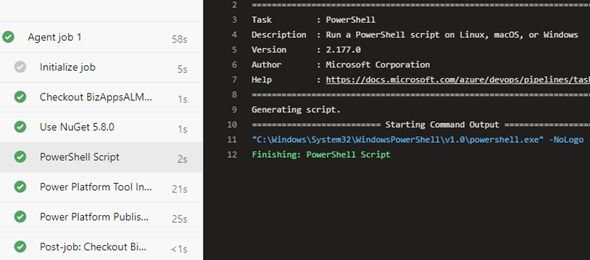
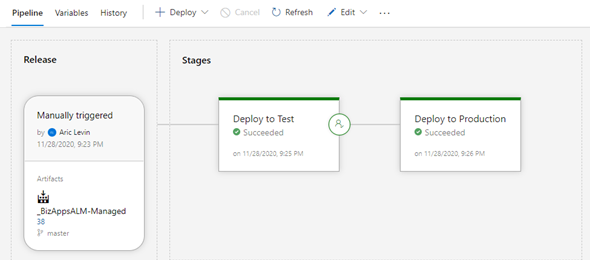
In this article, I review the required steps of building and deploying your Power Apps solution from your Development environment to your test and production environments. We will add a approval trigger from Test to Prod, Unpack the solution and publish your managed solution as an artifact so that it can be used to import to the higher environments.

Using Azure DevOps for Power Platform with a Self-Hosted Agent

There are various organizations that for whatever reason, whether it be trust or security are not comfortable using the Microsoft-hosted agents, and would like to use self-hosted agents within their own corporate environment.

In this article, I will go through the steps of creating a self-hosted agent, and then configuring a pipeline that will move your solution between the different environments.

Update Data in your CDS using Azure SQL Server, Azure Functions or Connectors from SQL Data

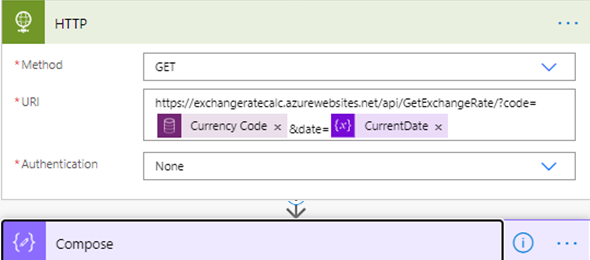
Recently, while working on a project that needed to update the Exchange rates in CDS, I was tasked at finding a solution that would be able to retrieve data from a SQL Server hosted on an Azure Virtual Machine. There were so many different approaches, and security was the main one, but I decided to do a deep dive and testing out how Power Automate will be able to accommodate these requests.

Using the Maker Portal to Export to Data Lake

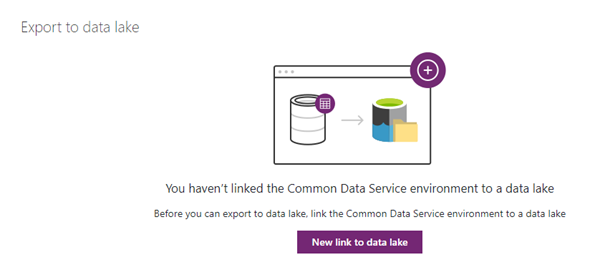
In my current role the matter of using a data lake has come up, and I wanted to get ready in case this implementation will become a need. I followed instructions from some of the published Microsoft blogs, and this blog post provides step by step instructions on how to configure the Azure Storage account to enable the Export to Data Lake feature as well as running the same process from within the Power Apps Maker Portal

The Road to modern Virus Scanning

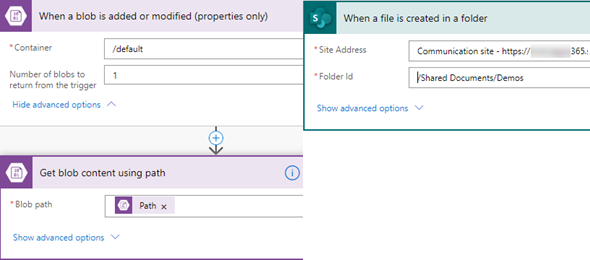
I have been working in the Government space for a few years now, and most implementations of the Dynamics and Azure tenants and environments are hosted in the Government Cloud. This means that there are a lot of restrictions that we have to deal with, not only from Microsoft but also from the internal IT policies.

Integrate CDS and SQL Server with Power Automate and On-Premise Data Gateway

In a recent blog I posted a few days ago, I posted how to use Azure Service Bus and a Listener application to integrate between the Common Data Service (Dynamics 365 or Power Apps Model Driven Application) and an On Premise SQL Service database. As mentioned that there are a few easier ways to implement this, I wanted to demonstrate how easy it would be to perform similar functionality using a Microsoft Power Automate Flow that connects to the On-Premise Data Gateway

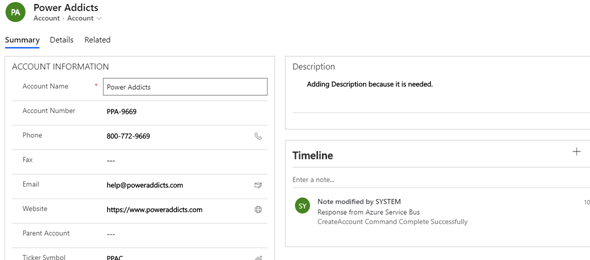
Configure Azure Service Bus to integrate between CDS and On-Premise SQL database

In this blog post I will demonstrate how to use Azure Service Bus and a Listener application to integrate between the Common Data Service (Dynamics 365 or Power Apps Model Driven Application) and an On Premise SQL Service database.