

If you have worked throughout your career in multiple industries including government and are trying to build a Power App for your governments clients that should run on the mobile or desktop client, you might have encountered some connection issues and errors that will not allow you to connect.
There is a little secret that might be hard to find unless your search has the exact keywords that you need, on how to connect to these tenants.
In the Sign In page of the Power Apps interface, you will see that there is a Settings button on the bottom left (shown below).
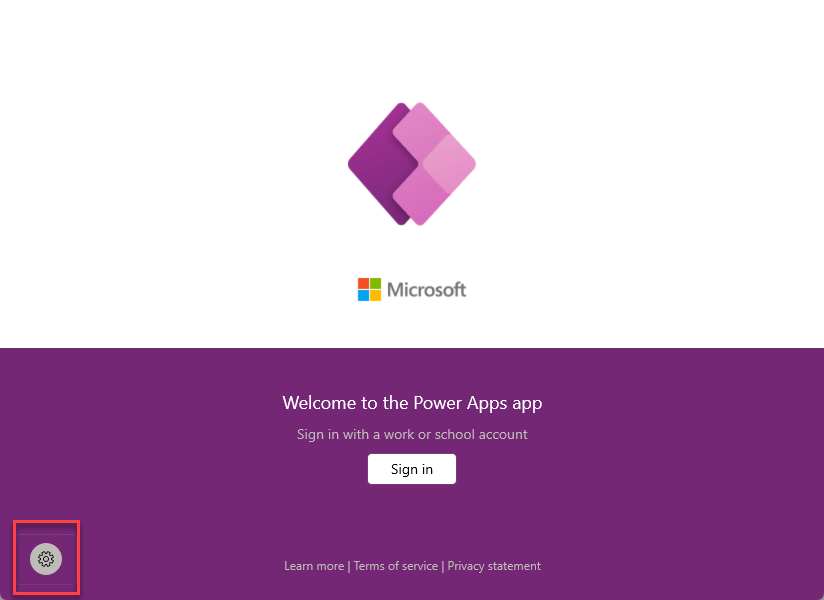
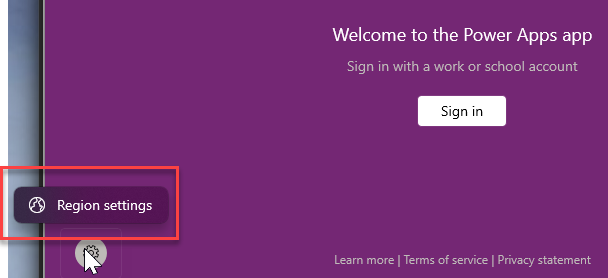
When you click on it, you will see a pop up that says “Region settings”.
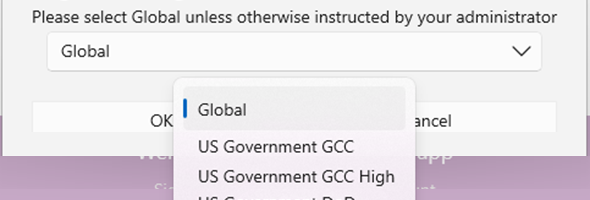
Once you click on the Region settings, you will see a Popup that will allow you to change the region from Global (which covers any international region except US Government regions), to US Government GCC, US Government GCC High or US Government DoD.
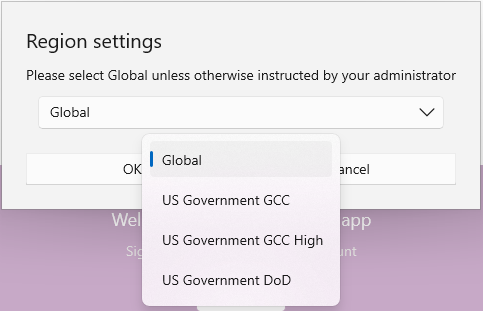
When you make that change you be able to connect to your tenants in these extra secured regions using you .us, .mil, or other Government user acccounts